
Archived Post
Fun & Games: For MAC Fans - More Desktops

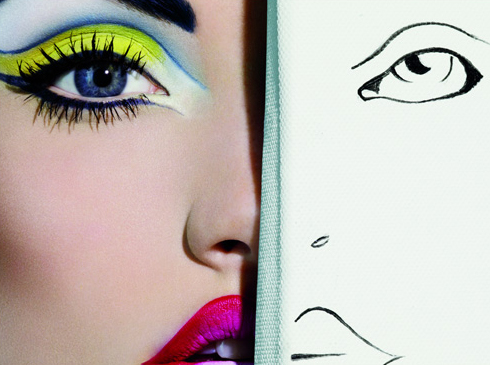
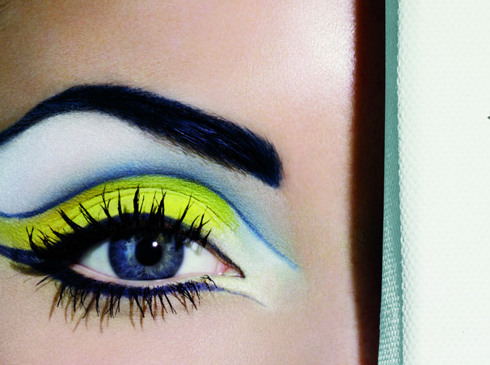
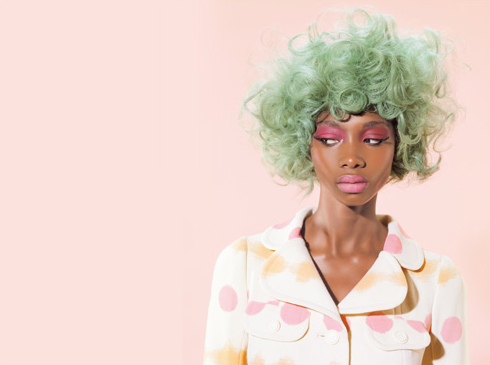
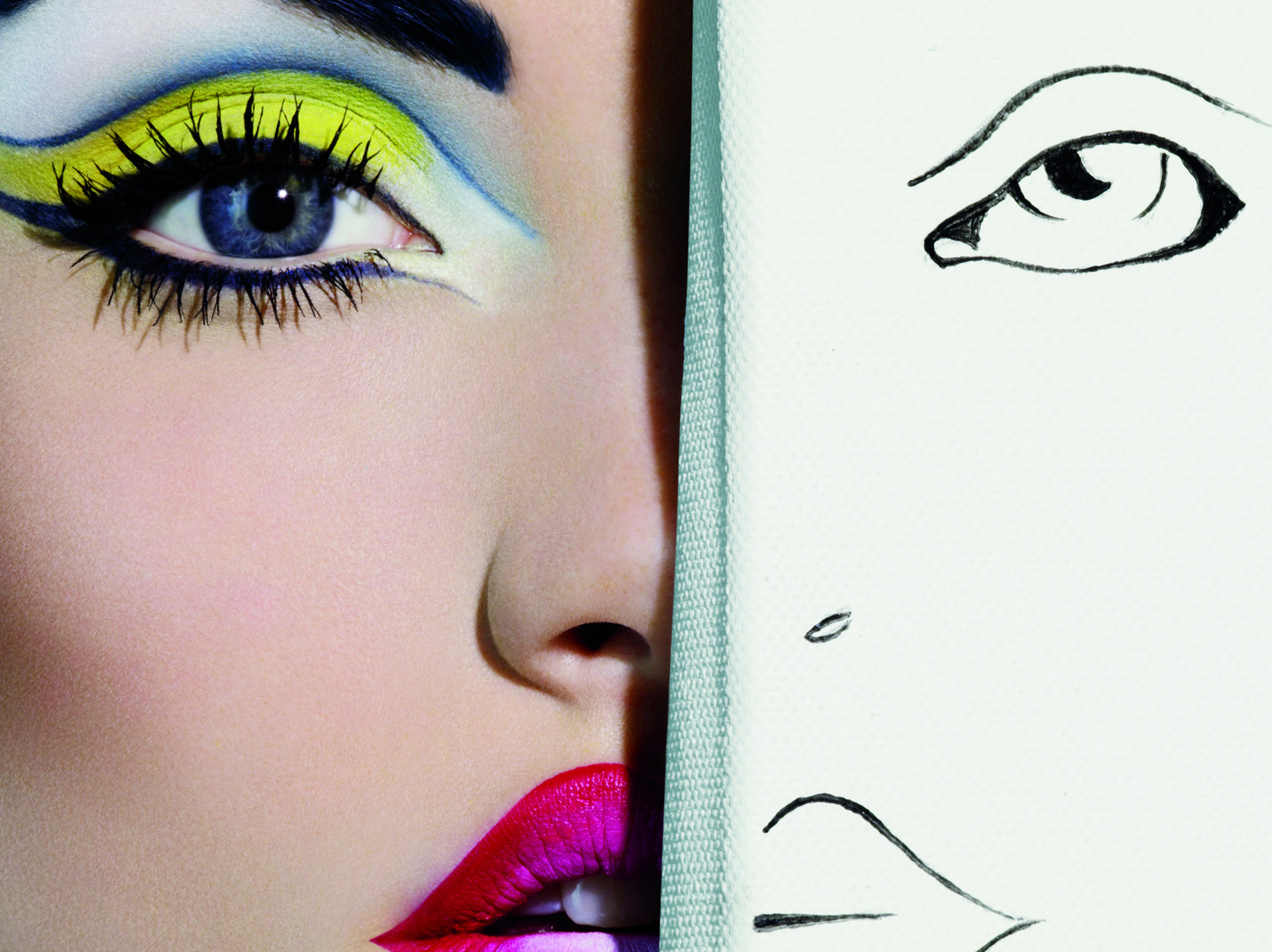
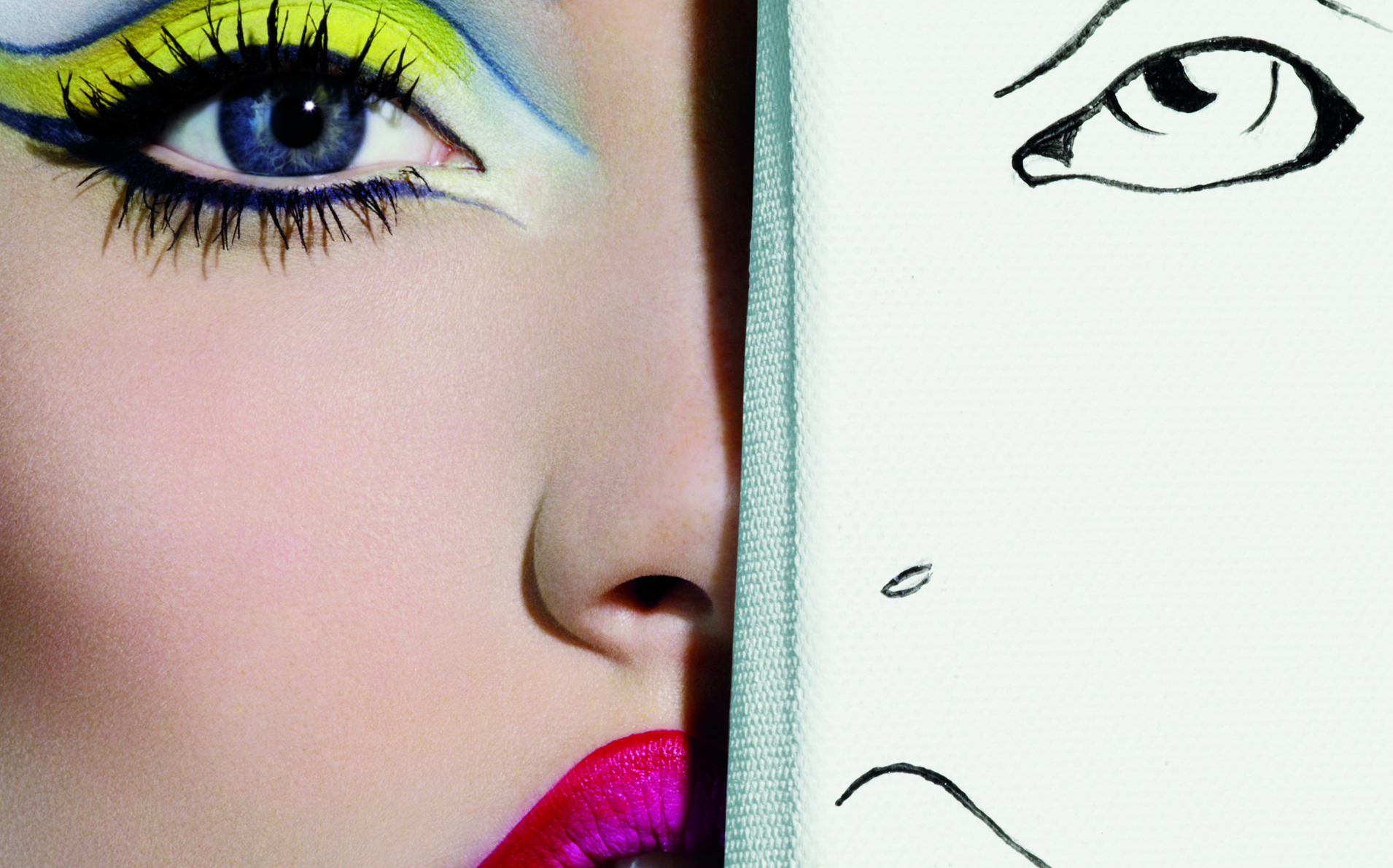
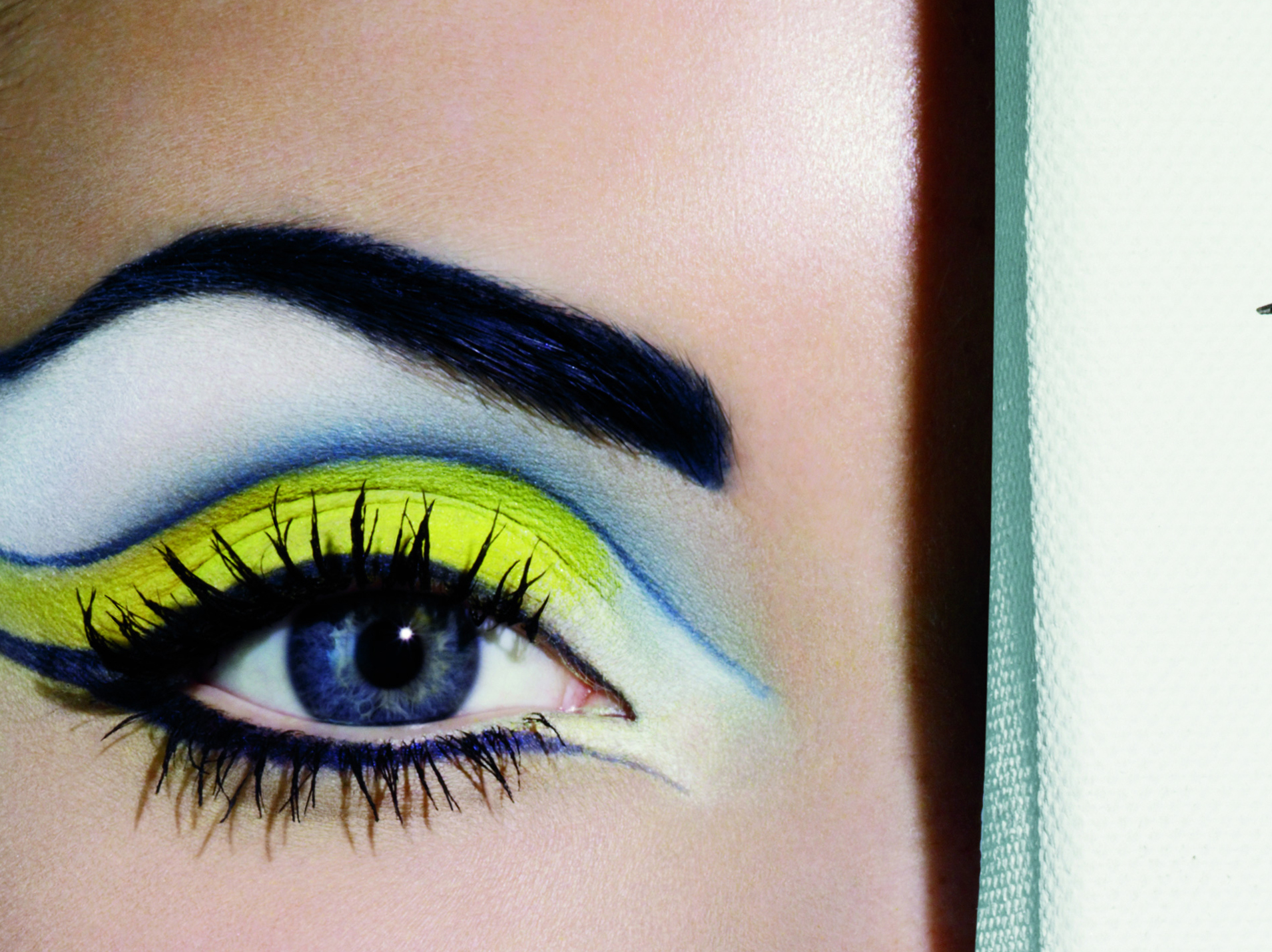
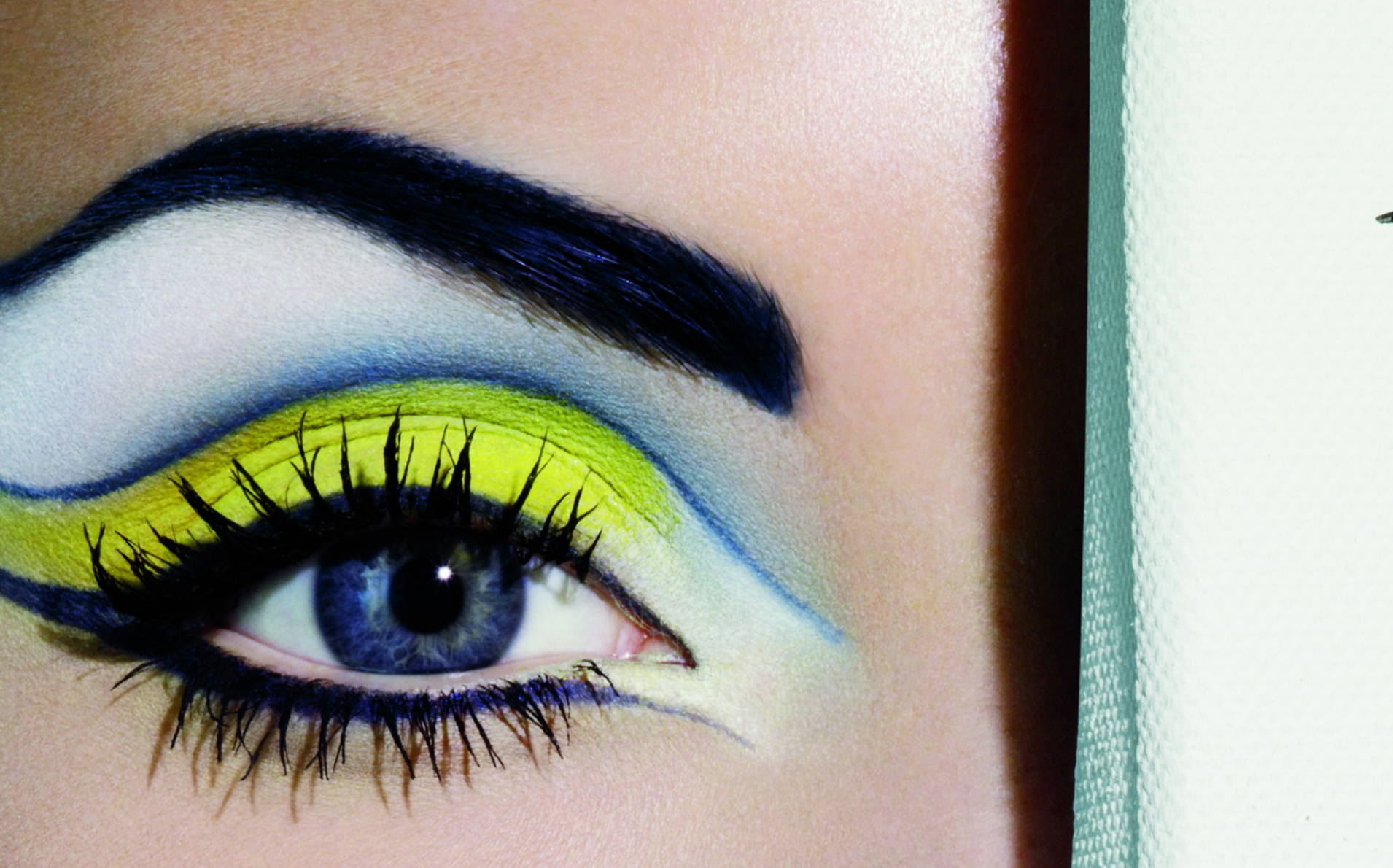
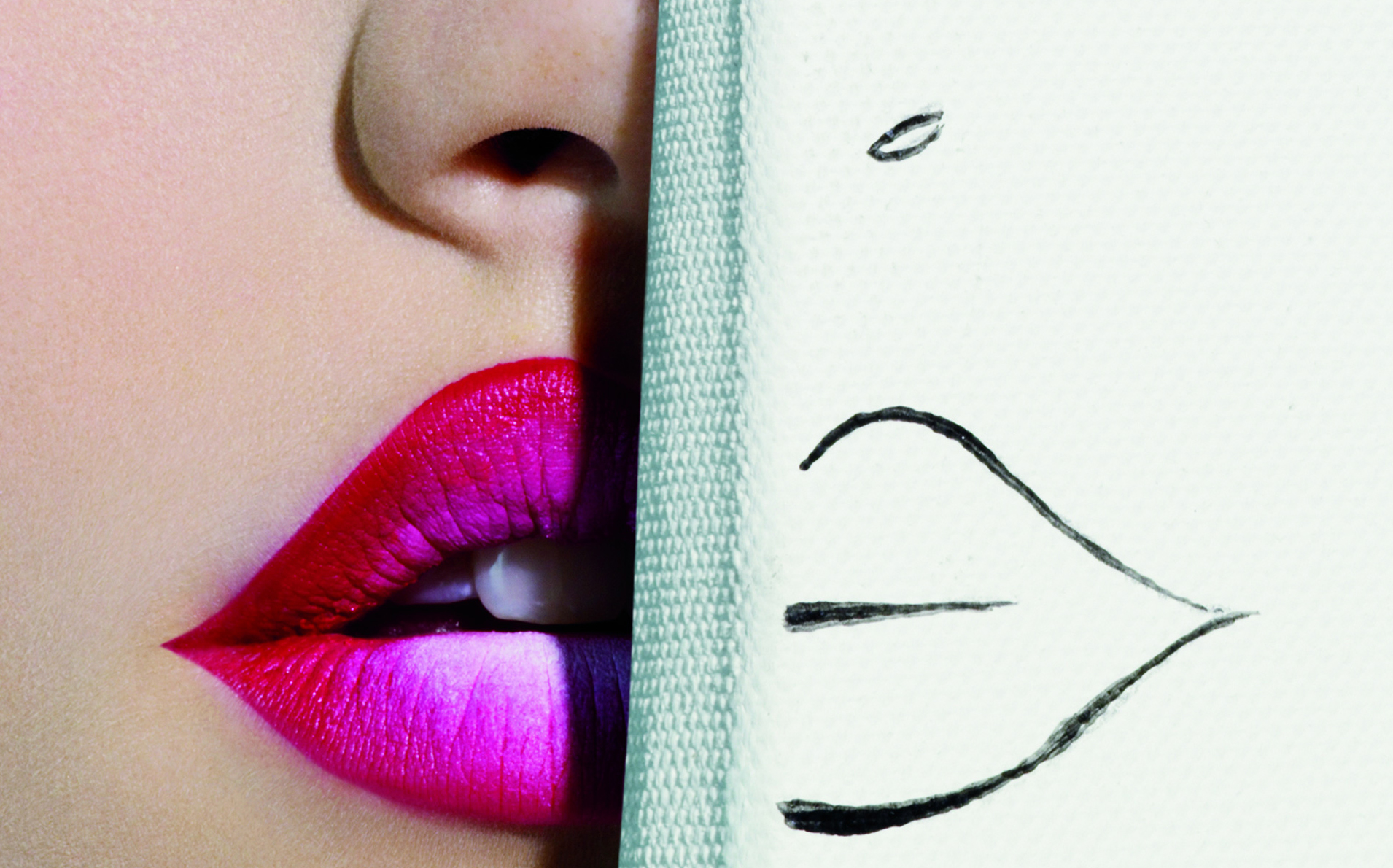
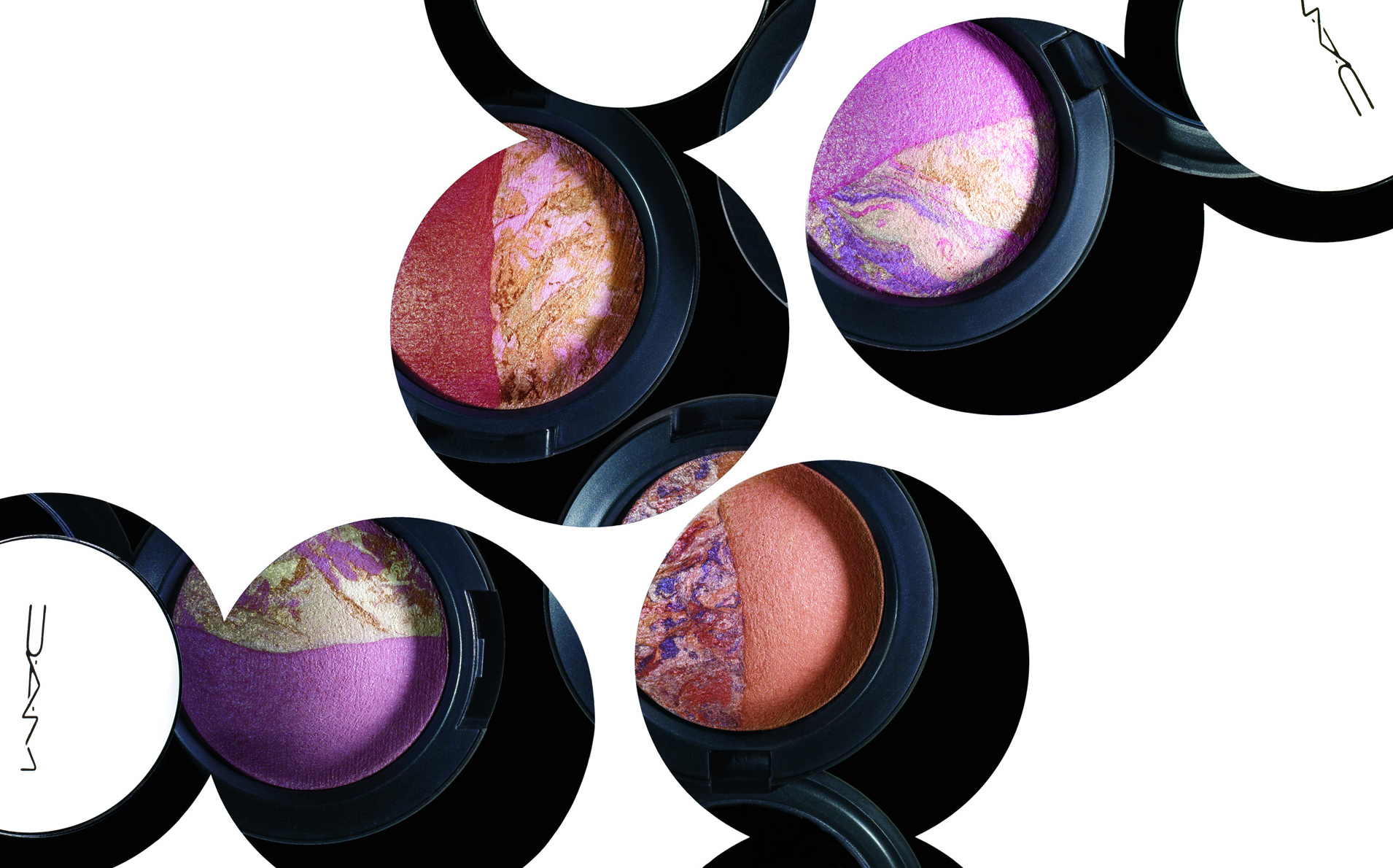
Love MAC? Here are some desktop wallpapers and icons for your personal use 🙂 Please don’t re-distribute, just link back to this post!
See ones from Colour Ready, Grand Duos, Rose Romance, and Sugarsweet…















Awesome, thanks! I’m def. using the last one =)
Is there any way to make them not as huge? lol
When you right click and go to the option ‘Set As Desktop Background’, a small window should pop up that gives you a diagram of what the image would look like on your desktop. There should be an option to either Stretch, Tile or Center it and that’s about all you can do if it doesn’t automatically re-size itself to fit your desktop.
I’m not sure if your computer can shrink them to fit, but otherwise you can just resize them in any photo editing program!
Thanks so much Christine!
No problem, hun!
Thanks Christine!
My pleasure!
they look awesome! thanks 😀
Thanks, Viv!
Thanks so much! Lovely!
No problem, Elisa!
Wow, I am defiantly using some of these! Thanks Christine! 🙂
My pleasure, Candee 🙂
Very cool! Thanks for sharing!
No prob, Najeema!
YEAH……my desktop looks amazing…..yyiippppeee THANKS
No prob, Victoria!
yay! thanks for doing this again.
i’ll snag the last picture & the grand duos one
🙂
hope all is well!
No problem, Michelle!
The last one is now my desktop, thanks!
Awesome 😀
OMG! I’m really doubting about throwing my Jordan Woolley desktop away for some MAC Sugarsweet.
LOL!
I love the Sugarsweet one! *sets as desktop background*
Glad you like it, Suuz 😀
Thanks Christine!
Sure thing, Honey!